S91 Agent – Become an Agent and Build Your Referral Network
The S91 Agent program provides a way to open an Agent Account and develop a Referral network through downlines. Users interested in becoming an agent can contact the official WhatsApp support team, request an Agent Account and receive guidance on promoting it to grow their network and work toward passive income.
What Is an S91 Agent?
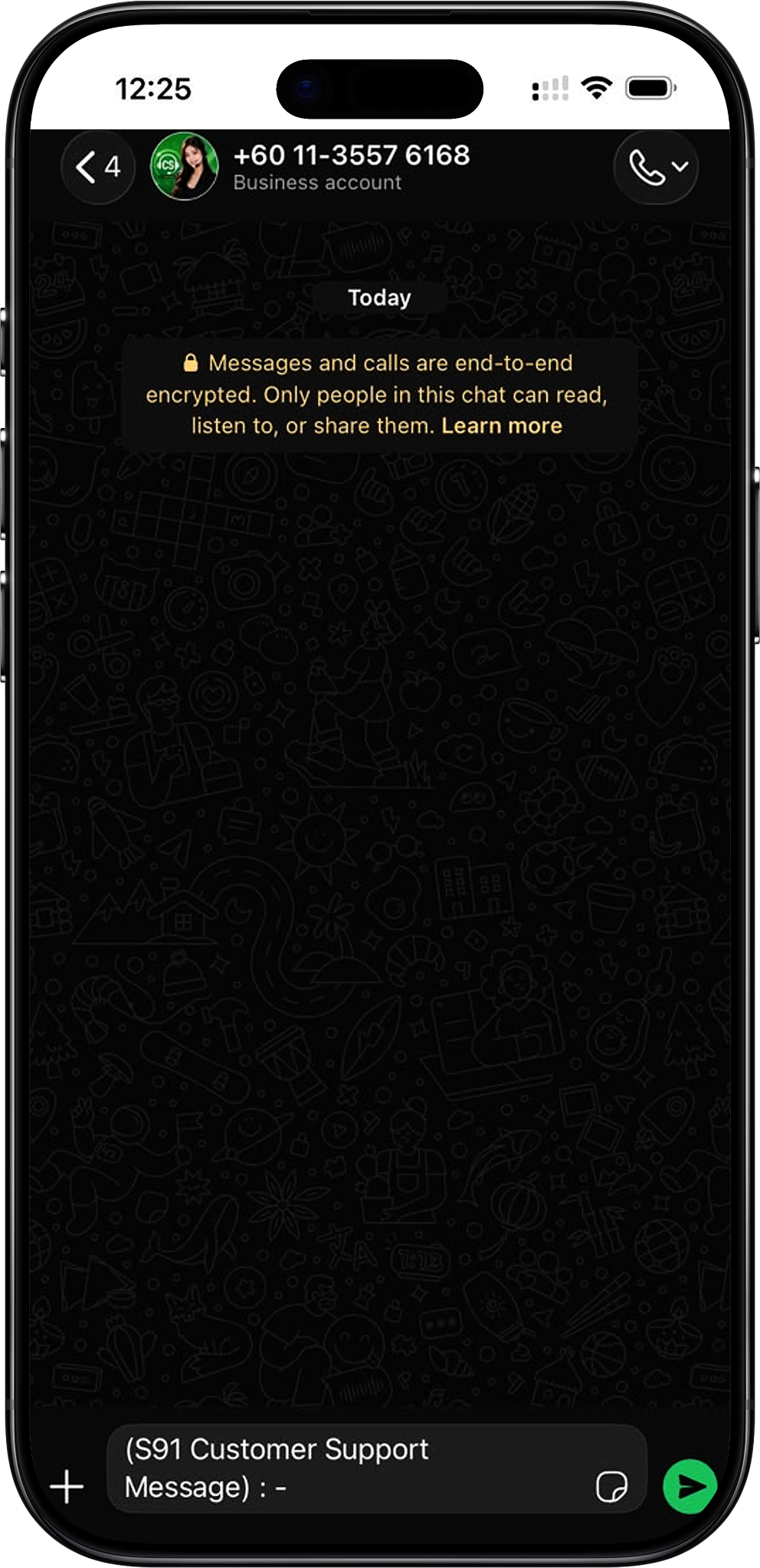
S91 Agent Account
An S91 Agent Account is designed for users who want to participate in the platform’s agent and referral structure. Instead of using only a standard account, an agent can focus on promoting the Agent Account and developing a network of downlines.
Referral and Downline Network
The referral side of the S91 Agent program centers on growing downlines through promotion. S91 support can provide guidance on how to promote an Agent Account and develop the referral network.
How the S91 Agent Program Works
Open an Agent Account
The process starts by contacting the official S91 WhatsApp support team and requesting to open an Agent Account. Support can assist with the process and provide the relevant guidance for getting started.
Promote Your Agent Account
After opening the Agent Account, you can promote it to attract referrals and build downlines. The S91 support team can provide guidance on how to promote the account as part of developing your agent network.
Build Toward Passive Income
As stated in the S91 Agent information, the purpose of promoting an Agent Account and gaining more downlines is to build the network and start earning passive income through the agent structure.
How to Become an S91 Agent
Step 1: Visit the Official S91 Website
Start by visiting the official S91 website. Use the official site as the entry point when you want to contact the support team about opening an Agent Account.
Step 2: Find WhatsApp or Contact Us
Locate the WhatsApp icon or the Contact Us button on the official website. Select either option to begin contacting S91 support.
Step 3: Connect with WhatsApp Support
After selecting the WhatsApp icon or Contact Us button, you will be connected with the S91 WhatsApp support team.
Step 4: Request an Agent Account
Tell the support team that you want to open an S91 Agent Account. The support team will guide you through the next steps required for the agent request.
Step 5: Ask About Agent Promotion
Once you are setting up your Agent Account, you can also ask the support team for guidance on how to promote it and develop your referral network.
Step 6: Build Your Downlines
Use the guidance provided to promote your Agent Account and work on gaining more downlines. This forms the referral-network side of the S91 Agent program.
Build Your S91 Referral Network
Promote Your Agent Account
Agent promotion is intended to help you introduce your Agent Account to potential referrals. S91 WhatsApp support can guide you on the available approach to promoting your account rather than requiring you to determine the process without support.
Grow Your Downlines
Building downlines expands the referral network connected with your Agent Account. Users who want guidance on developing their downlines can contact S91 support through the official website.
Understand the Agent Structure
Before promoting an Agent Account, ask the official support team for the relevant information about the current agent structure, including any details you need regarding referrals or the Shareholder side of the program. This helps ensure you are working from the platform’s current information rather than assumptions.
S91 Agent Support
Contact Through the Official Website
S91 directs users to its official website to begin the Agent Account process. The WhatsApp icon and Contact Us button provide access to the support channel for agent-related enquiries.
Get Guidance from WhatsApp Support
The WhatsApp support team can assist with opening an Agent Account and provide guidance on promoting the account to gain more downlines. Contact support when you need current information about the agent process.
S91 Agent FAQ
How do I become an S91 Agent?
Visit the official S91 website, select the WhatsApp icon or Contact Us button, connect with WhatsApp support and request to open an Agent Account.
How do I contact S91 about an Agent Account?
Use the WhatsApp icon or Contact Us button available through the official website to connect with the S91 support team.
Can S91 support help me promote my Agent Account?
Yes. The provided S91 Agent information states that the support team can guide agents on how to promote their Agent Account to gain more downlines.
What are downlines in the S91 Agent program?
Downlines form part of the referral network developed through the promotion of an S91 Agent Account. The platform directs agents to its support team for guidance on growing this network.
Does the S91 Agent program involve referrals?
Yes. Referral-network development is connected with gaining downlines through the promotion of an Agent Account.
Where can I get current information about S91 Agent or Shareholder details?
Contact the official S91 WhatsApp support team through the website for the latest information and guidance relating to the Agent Account, referrals or Shareholder details.
Become an S91 Agent
Contact the S91 WhatsApp support team to request an Agent Account and get guidance on promoting your account and building your referral network.